
Identity Check via Sumsub
Identity Check Instructions
1. Enter the task and decide on whether you'd like to consent and continue
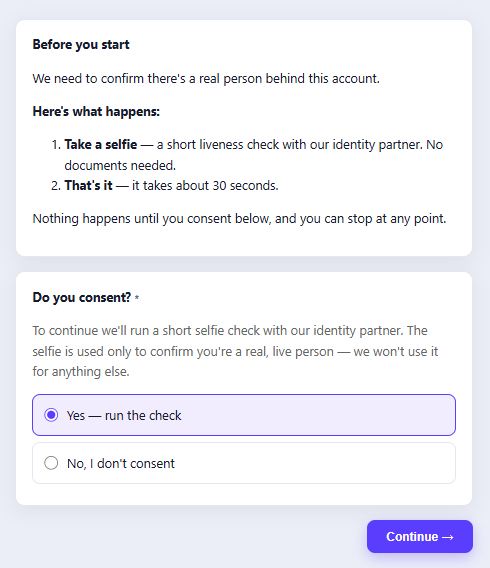
2. You'll see a prompt to continue the identity verification through our partner, Sumsub 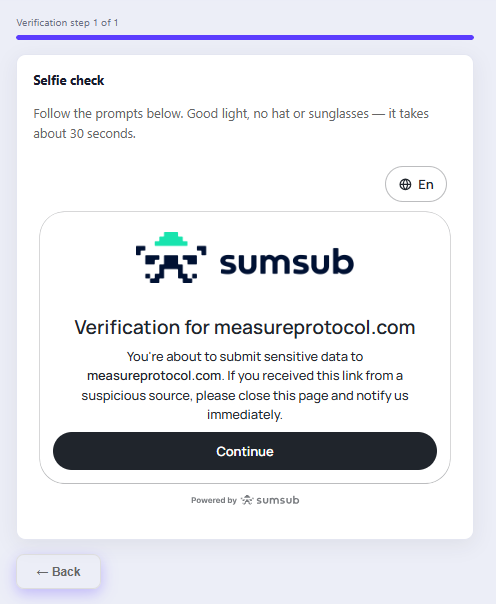
3. Ensure you are in an area with good lighting, with no hat or sunglasses.
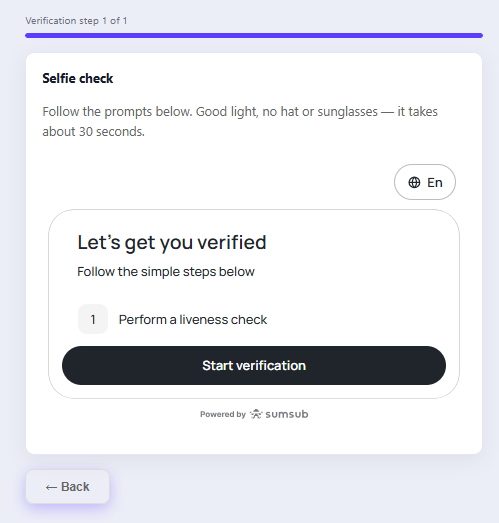
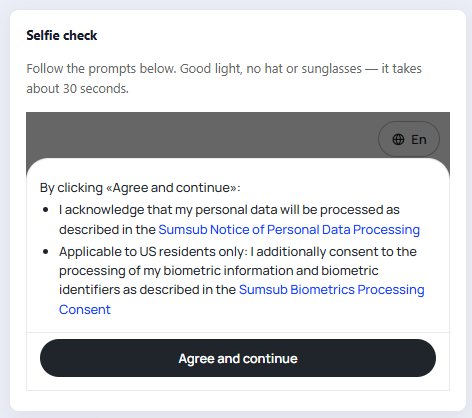
4. Read through the notices and decide on whether you'd like to continue
5. Follow the on-screen instructions, and get ready for the liveness check!
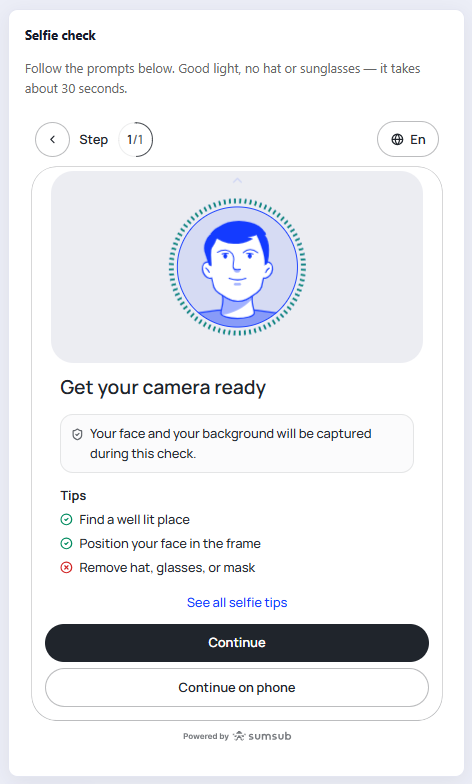
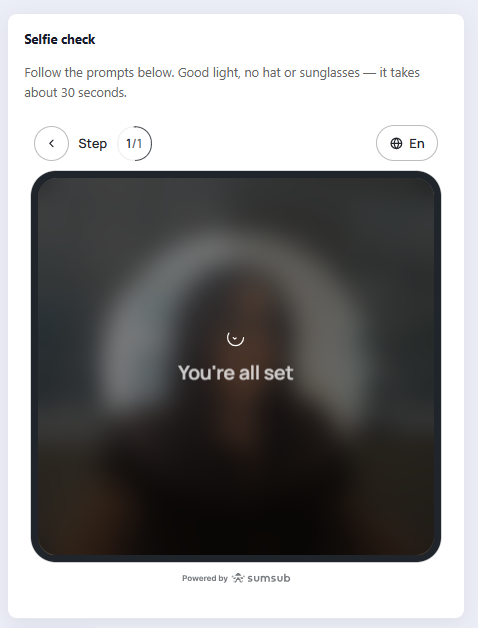
6. Follow the on screen instructions, showing your face from the angles requested - and then you're done!
Identity Check FAQ
Why am I being asked to do this?
MSR needs to confirm there's a real person behind your account.
What do I have to do?
Take a short selfie/video selfie — a liveness check run by our identity verification partner, Sumsub. No ID or documents are needed for this step.
How long does it take?
About 1-minute
What exactly counts as "biometric data" here?
Specifically: scans of your face geometry, and anything derived from them that could identify you.
Do I have to do this right now?
No — nothing happens until you consent, and you can stop at any point.
What if I don't want to do it?
Choose "No, I don't consent" and submit. You won't be asked for a selfie.