
Claude Data File Retro
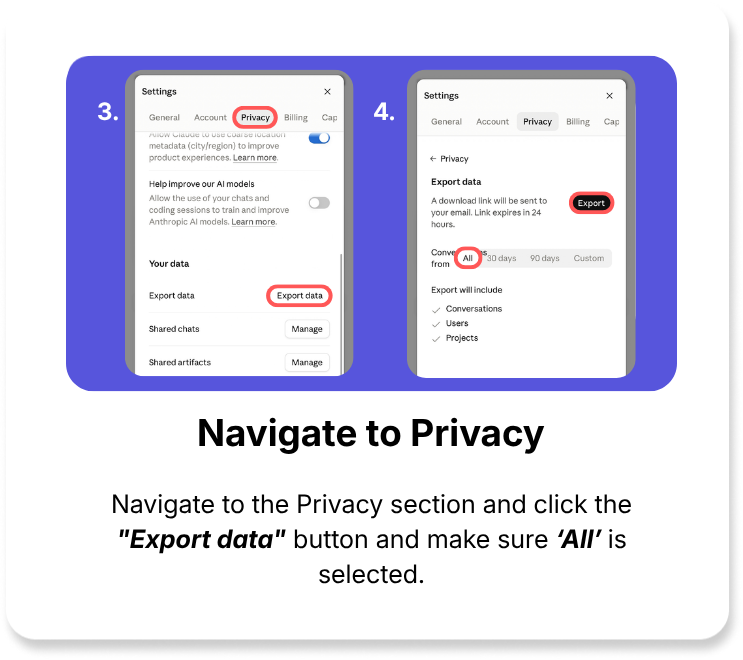
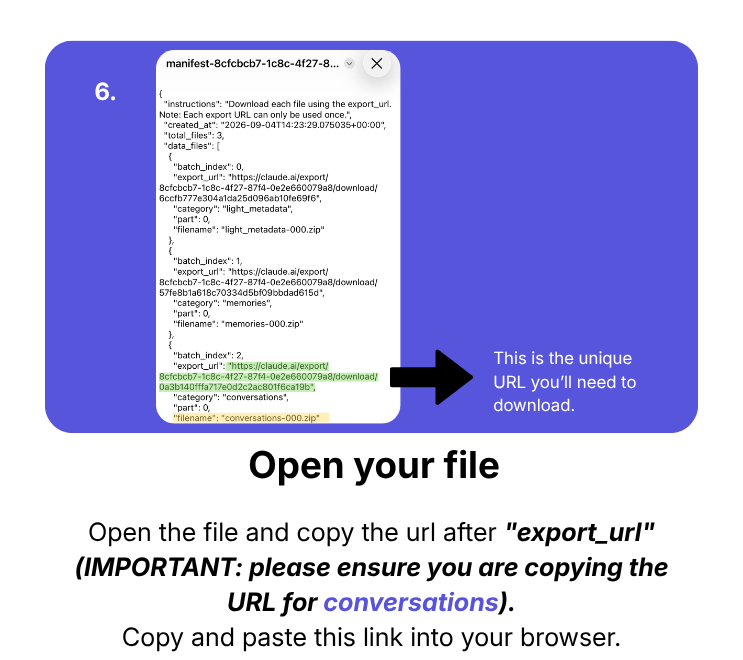
This task requires you to request your Claude data.
Instructions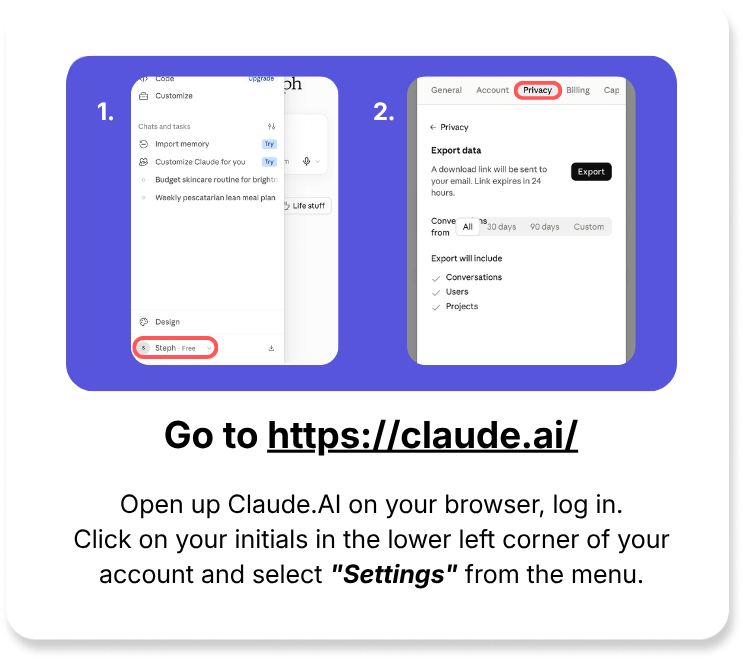
Frequently Asked Questions
How will I receive my Claude data?
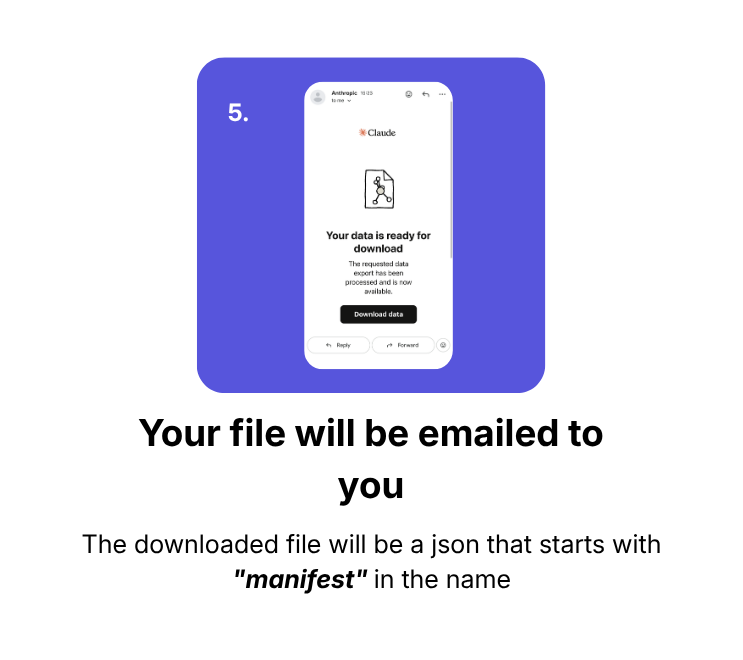
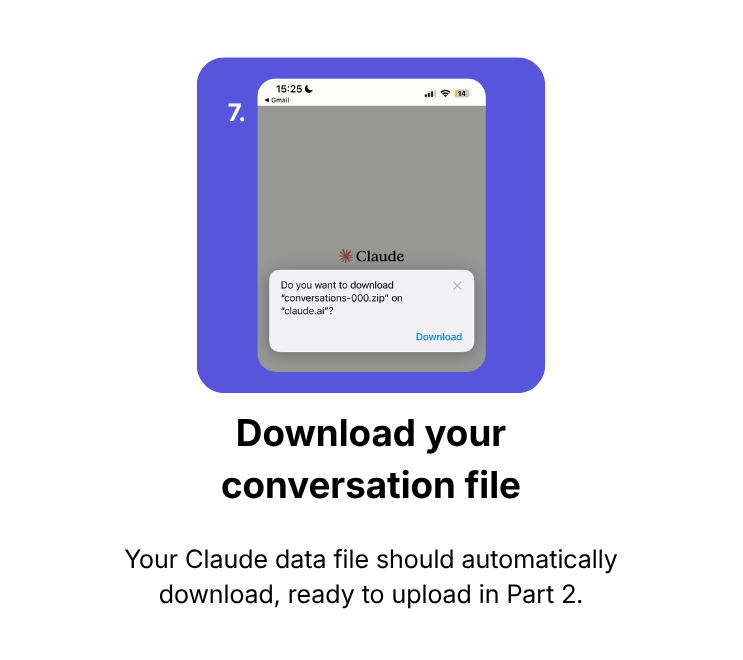
Claude / Anthropic will email you a link to download your data once your request is processed.
What should I do if I don’t receive the confirmation email?
Check your spam or junk folders. If you still don’t see it, ensure you are checking the email associated with your Claude account and consider resubmitting your request.
I'm scared about sharing my Claude data with you. How is my data protected?