

Instructions
- Click on this link here
- Scroll down to Prime Video and click on 'Submit Request'
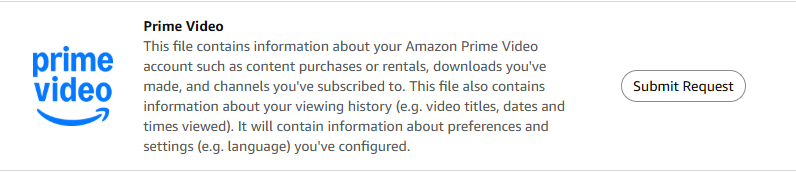
3. Amazon may email you to confirm your request, if so, please do confirm
4. Once you have received your file from Amazon, submit it in Part 2
Frequently Asked Questions
How will I receive my Amazon Prime Video history?
Amazon will email you a link to download your watch history once your request is processed.
What should I do if I don't receive the confirmation email from Amazon?
Check your spam or junk folders. If you still don't see it, ensure you are checking the email associated with your Amazon account and consider resubmitting your request.
How long does it take to receive my Amazon Prime Video history?
The processing time can vary, but you should receive an email from Amazon within a few hours to a few days.
What if I have multiple Amazon accounts?
Ensure you request the watch history from the account you primarily use. You can repeat the process for additional accounts if needed.
I'm scared about sharing my Amazon Prime Video history with you. How is my data protected?
We understand your concerns and take your privacy seriously. Your Amazon Prime Video history is handled with strict confidentiality and is used only for aggregated insights into viewing behaviour.
We use strong encryption and secure storage to protect your data, and access is restricted to authorized personnel only. We are transparent about our data usage and comply with all relevant data protection laws and regulations to ensure your information remains safe.
Which format do I need to submit my file in?
Amazon will deliver the file to you in .zip format, please save this download and upload it in Part 2 of the Retro task in exactly the same format.
